Know About How to Use Delhi Metro App
A simple guide to using the Delhi Metro app for easy travel.
If you regularly travel to Delhi or are planning a trip to the city, the Delhi Metro Rail Corporation (DMRC) app can make your journey much easier. From checking routes and fares to finding the first and last train times, this app helps you plan everything in advance and avoid confusion at stations.
Here's a complete and easy guide to using the Delhi Metro app effectively.
Why You Should Use the Delhi Metro App
The Delhi Metro connects different parts of Delhi and NCR through multiple lines and interchange stations. For new passengers, changing lines or calculating fares can sometimes be difficult. The app makes it easy:
- Best route options
- Interchange details
- Estimated travel time
- Fare information
- Station amenities
How to Download the App
You can download the official app from:
- Google Play Store (Android)
- Apple App Store (iPhone)
Make sure you download the official DMRC version to avoid third party apps that may display incorrect information.
How to Plan Your Journey
Planning your trip is easy using the Route Planner:
- Go to the “Journey Planner” section.
- Enter your source station.
- Enter your destination station.
- Tap on search.
The app will show:
- The fastest route
- Number of interchanges
- Total travel time
- Estimated fare
This feature is especially helpful during rush hours.
Check First and Last Train Timings
If you're traveling early in the morning or late at night, always check train times. The app lets you see:
- First train timings
- Last train timings
- Train frequency
Find Nearby Metro Stations
If you're new to an area, this app can help you locate the nearest metro station using GPS. This is especially useful for tourists or occasional travelers.
Other Useful Features
The app also provides information about:
- Metro Map (for quick viewing)
- Station Facilities
- Parking Availability
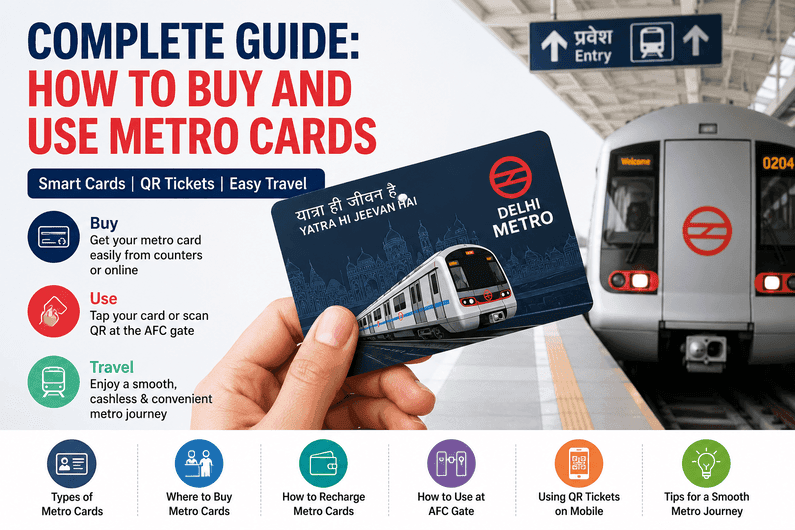
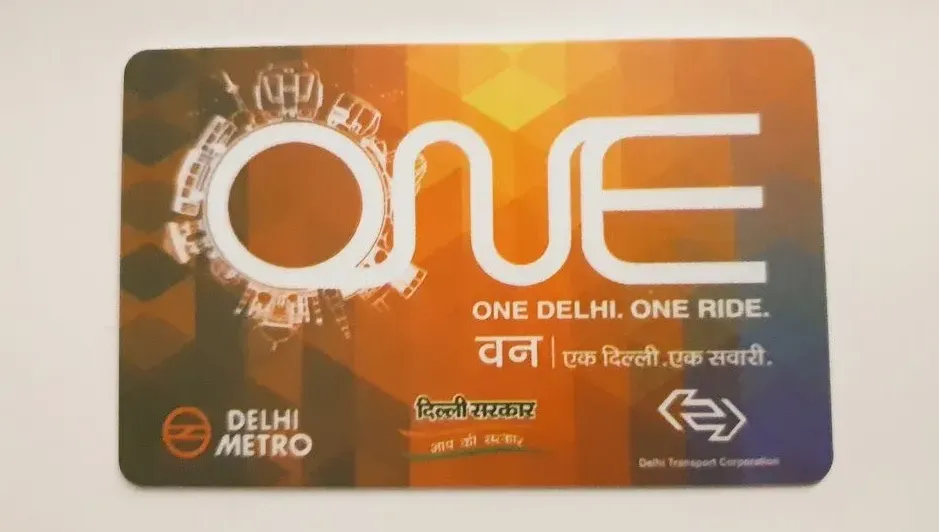
- Smart Card Information
- Line Color Information
Travel Tips for Better Experience
- Always check the line color before boarding.
- Pay attention to interchange stations shown in the app.
- Travel during non-peak hours if possible.
- If you use apps for navigation, keep your phone charged.
The Delhi Metro app is a practical tool for both daily commuters and visitors. It saves time, reduces confusion, and helps you travel around the city. With just a few taps, you can plan your trip and avoid last minute stress.